Free
€0
- Segmented bend
- Full marking table
- On-screen template preview
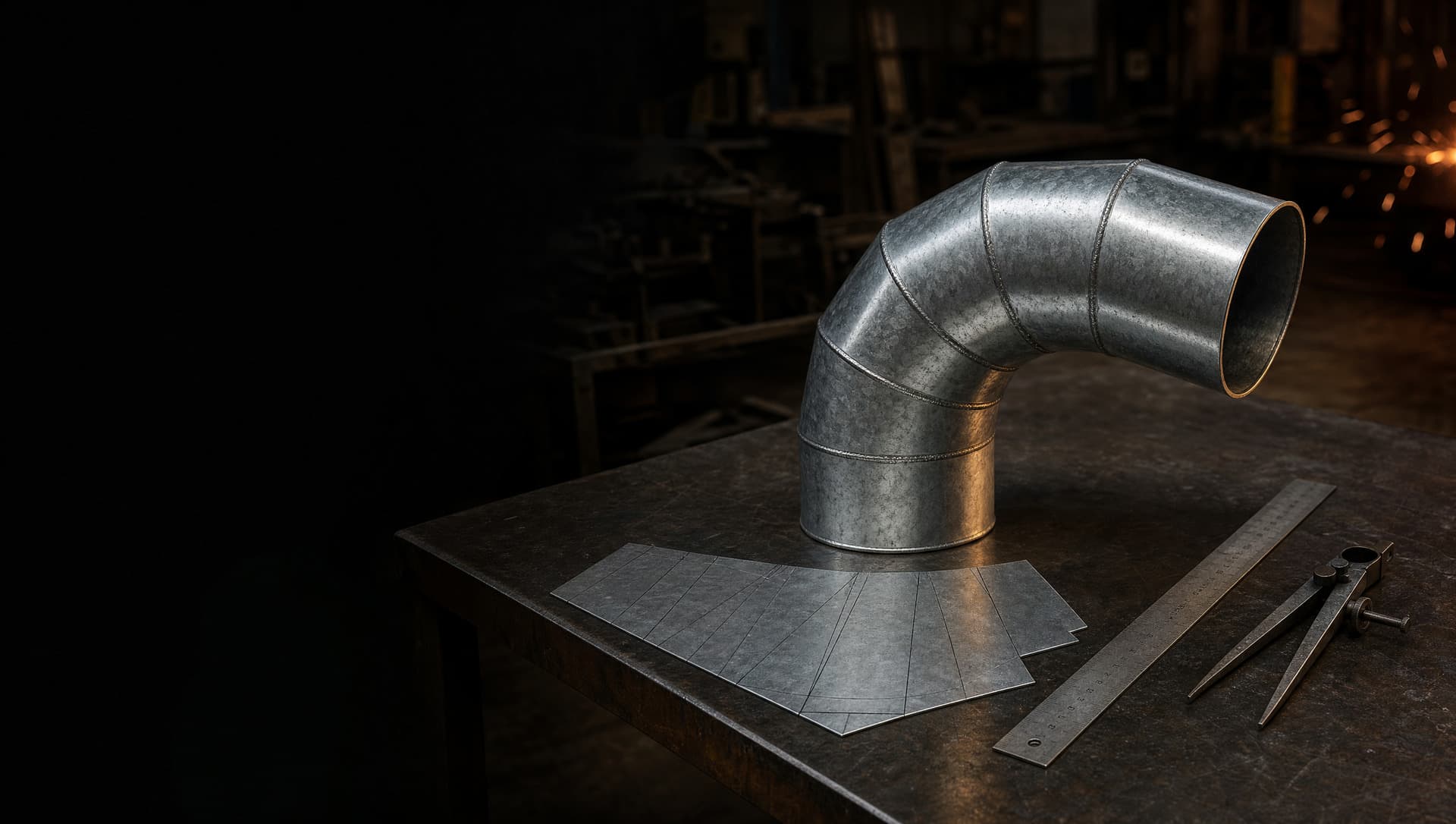
Calculate segmented bends, reducers, transitions and branches. Print the template at full size or send the DXF straight to the machine.
Enter the measurements and watch the template take shape. The segmented bend is free and needs no account.
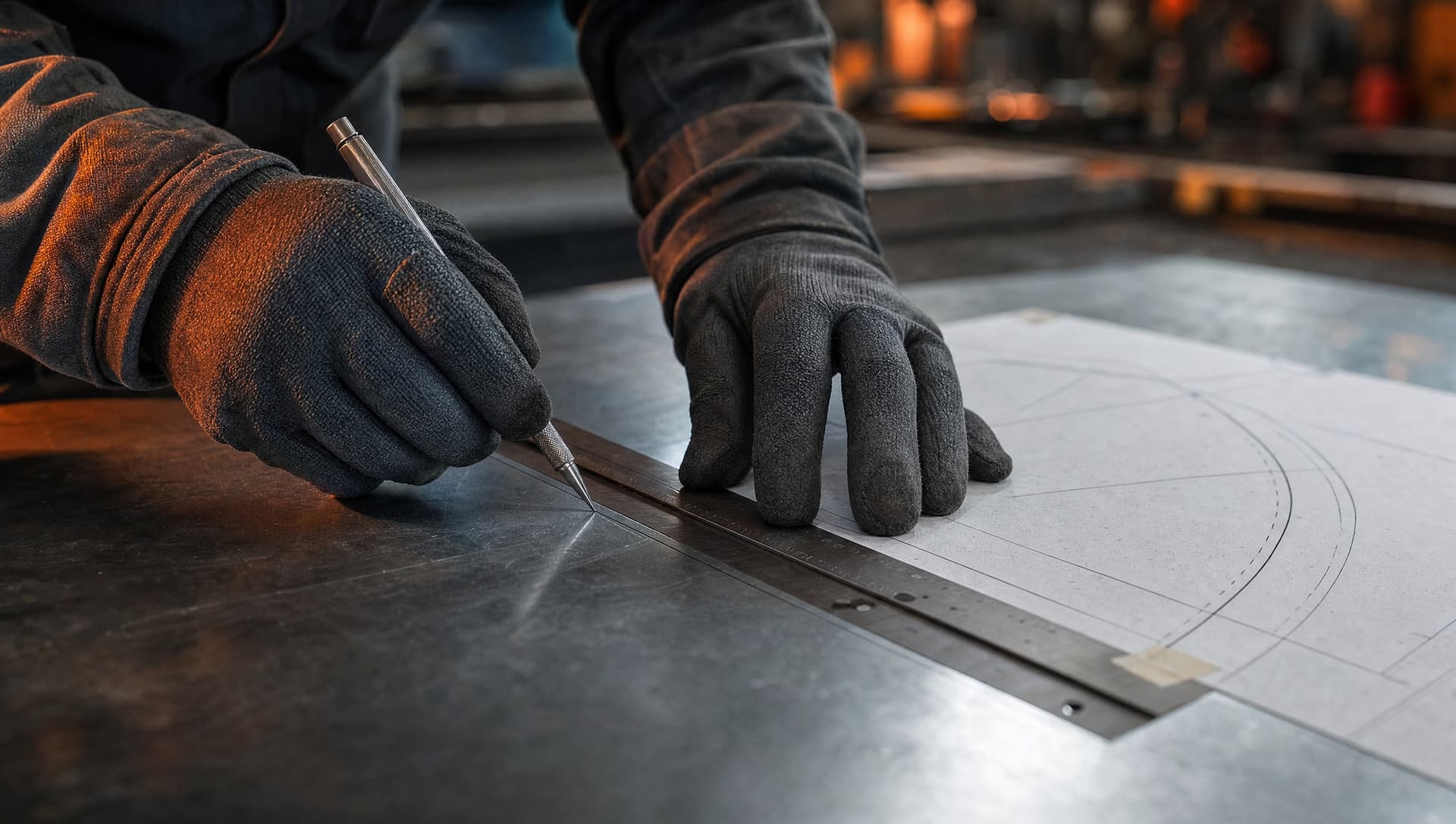
Mark the divisions along the width and measure each length from the baseline.
| Division | Position on sheet | Full segment | Half segment |
|---|---|---|---|
| 0 | 0.0 mm | 53.7 mm | 26.9 mm |
| 1 | 26.0 mm | 57.3 mm | 28.6 mm |
| 2 | 52.1 mm | 67.1 mm | 33.5 mm |
| 3 | 78.1 mm | 80.4 mm | 40.2 mm |
| 4 | 104.2 mm | 93.7 mm | 46.9 mm |
| 5 | 130.2 mm | 103.5 mm | 51.7 mm |
| 6 | 156.3 mm | 107.0 mm | 53.5 mm |
| 7 | 182.3 mm | 103.5 mm | 51.7 mm |
| 8 | 208.4 mm | 93.7 mm | 46.9 mm |
| 9 | 234.4 mm | 80.4 mm | 40.2 mm |
| 10 | 260.5 mm | 67.1 mm | 33.5 mm |
| 11 | 286.5 mm | 57.3 mm | 28.6 mm |
| 12 | 312.6 mm | 53.7 mm | 26.9 mm |
Try the segmented bend for free. The other parts are unlocked with the Pro plan.
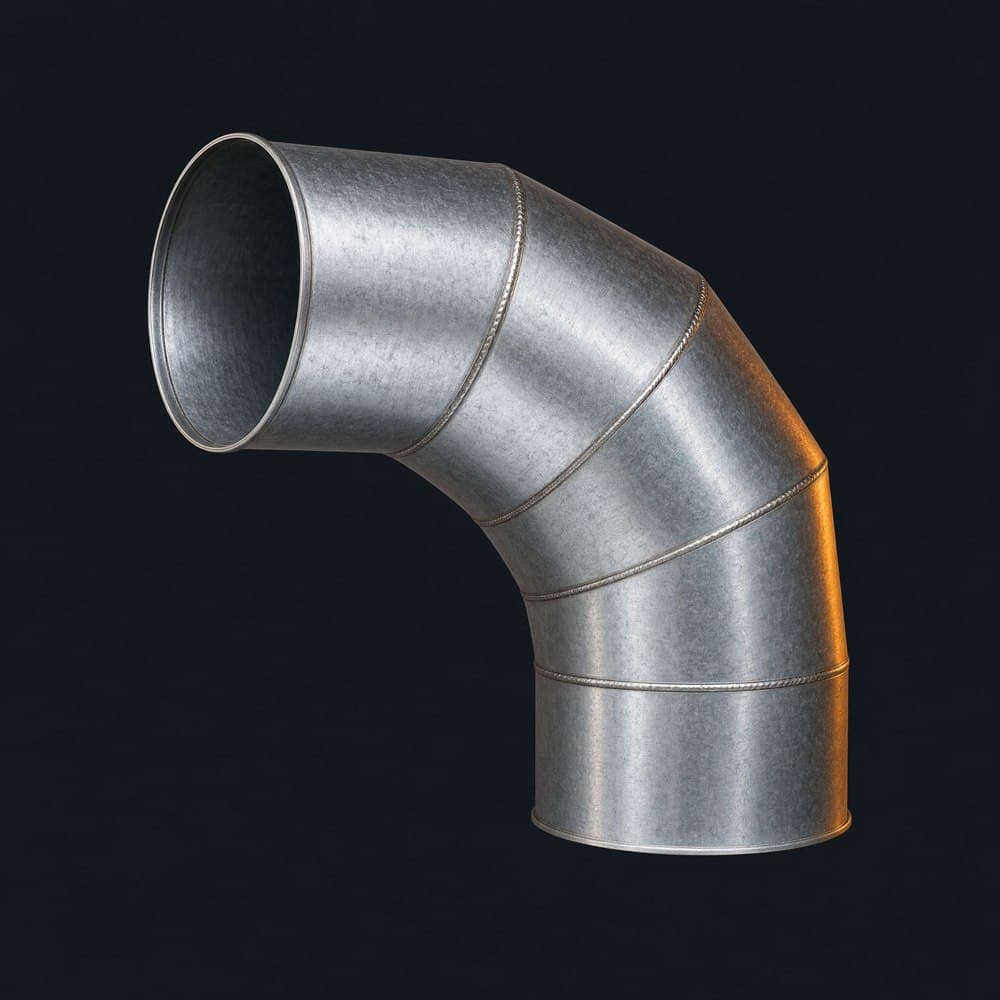 Segmented bendMitred (lobster-back) pipe bend with a half segment at each end.Calculate now
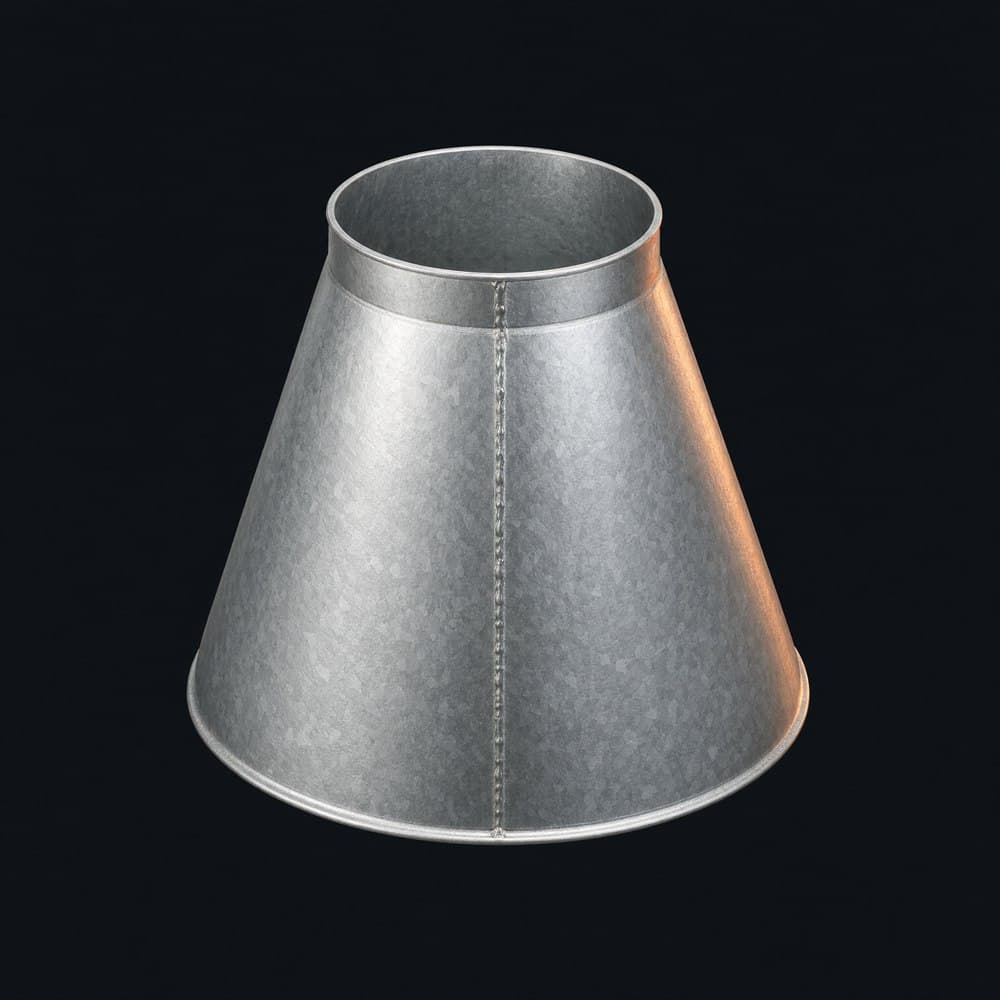 Cone and reducerPointed cone or concentric reducer (truncated cone).Unlock with Pro
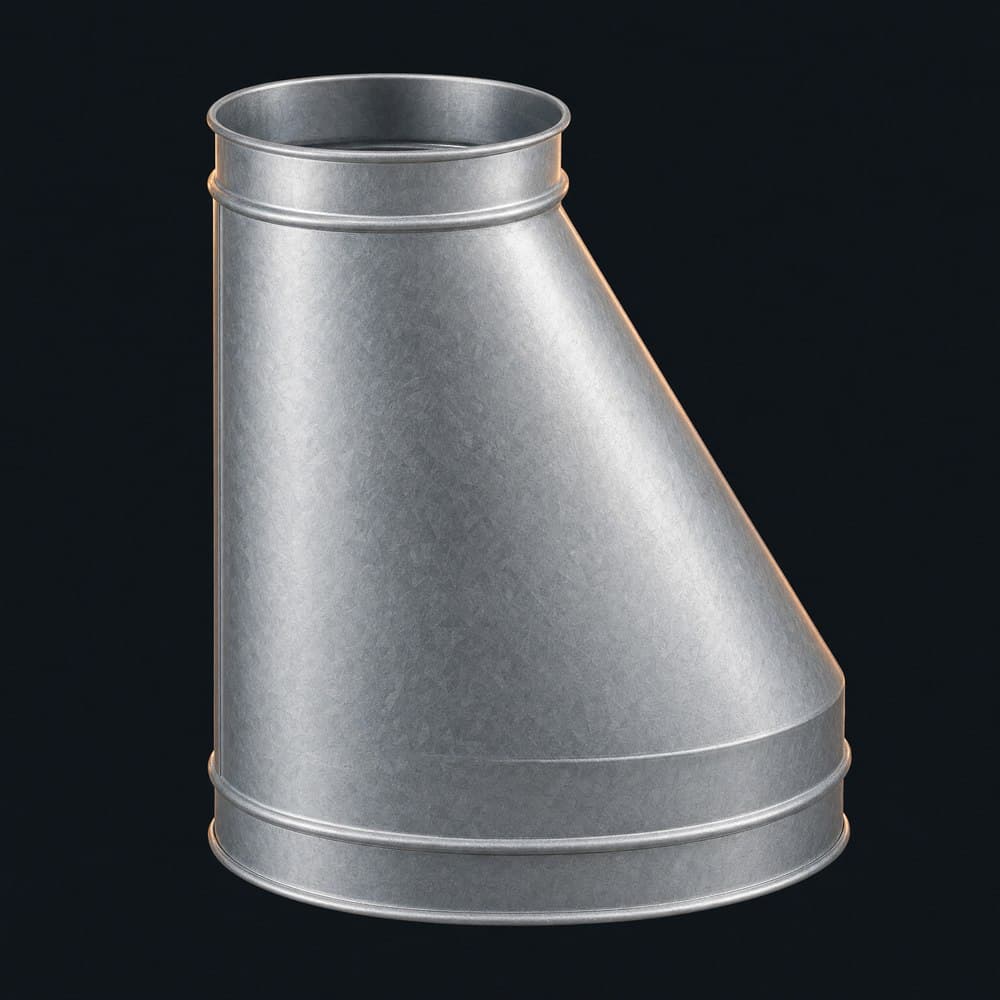 Eccentric reducerReducer with one straight side.Unlock with Pro
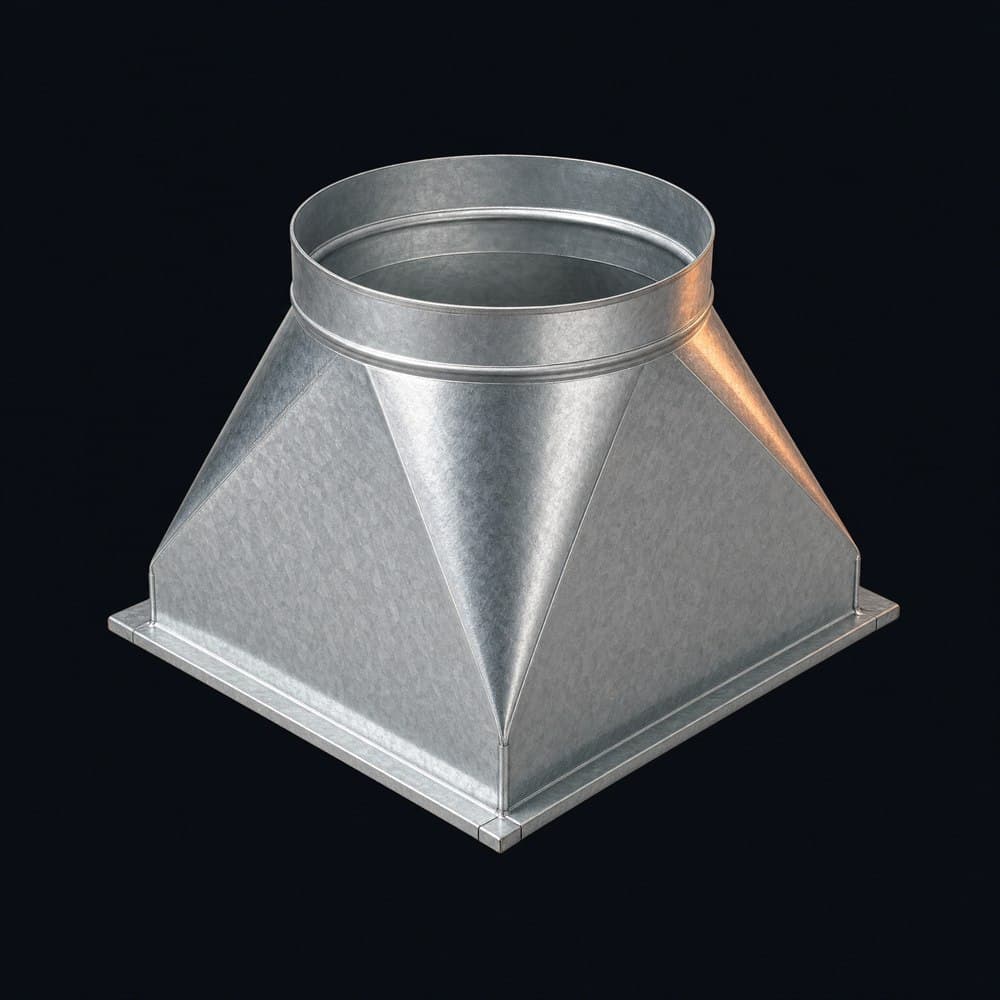 Square to roundSquare to round duct transition.Unlock with Pro
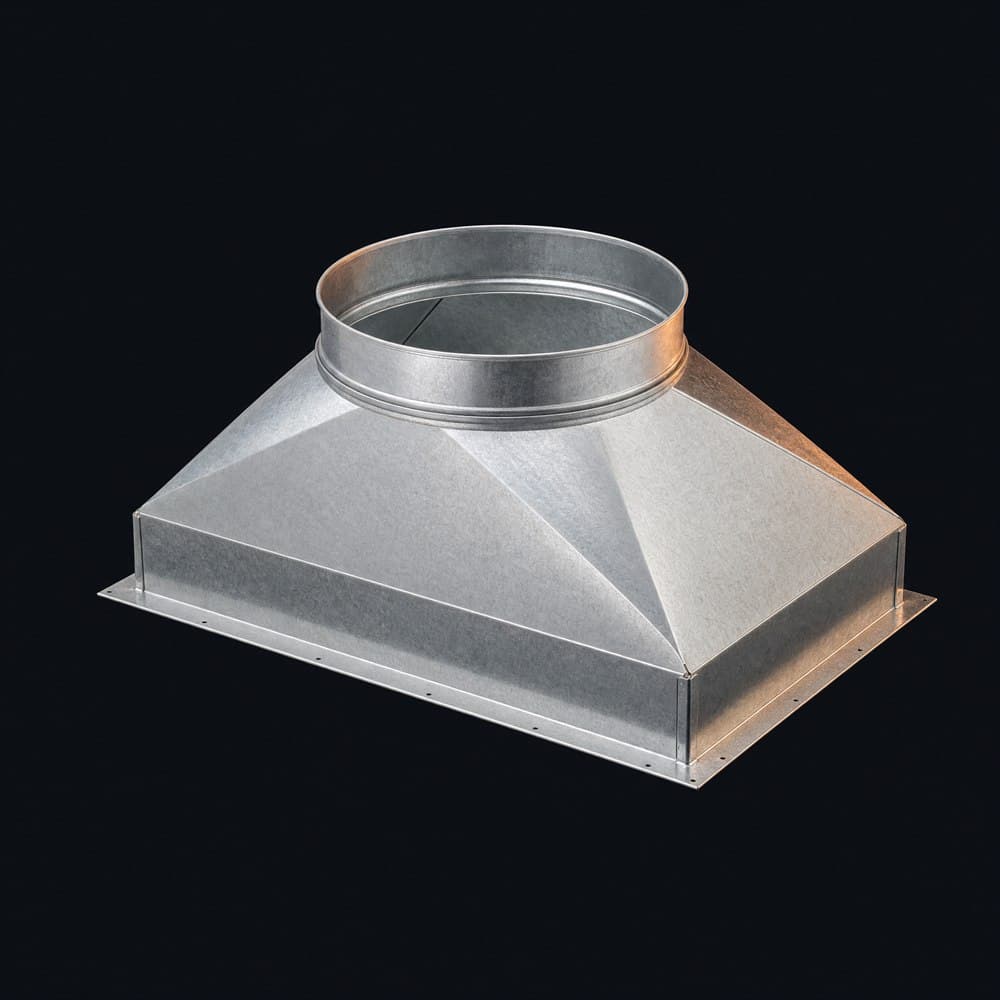 Rectangle to roundRectangular to round duct transition.Unlock with Pro
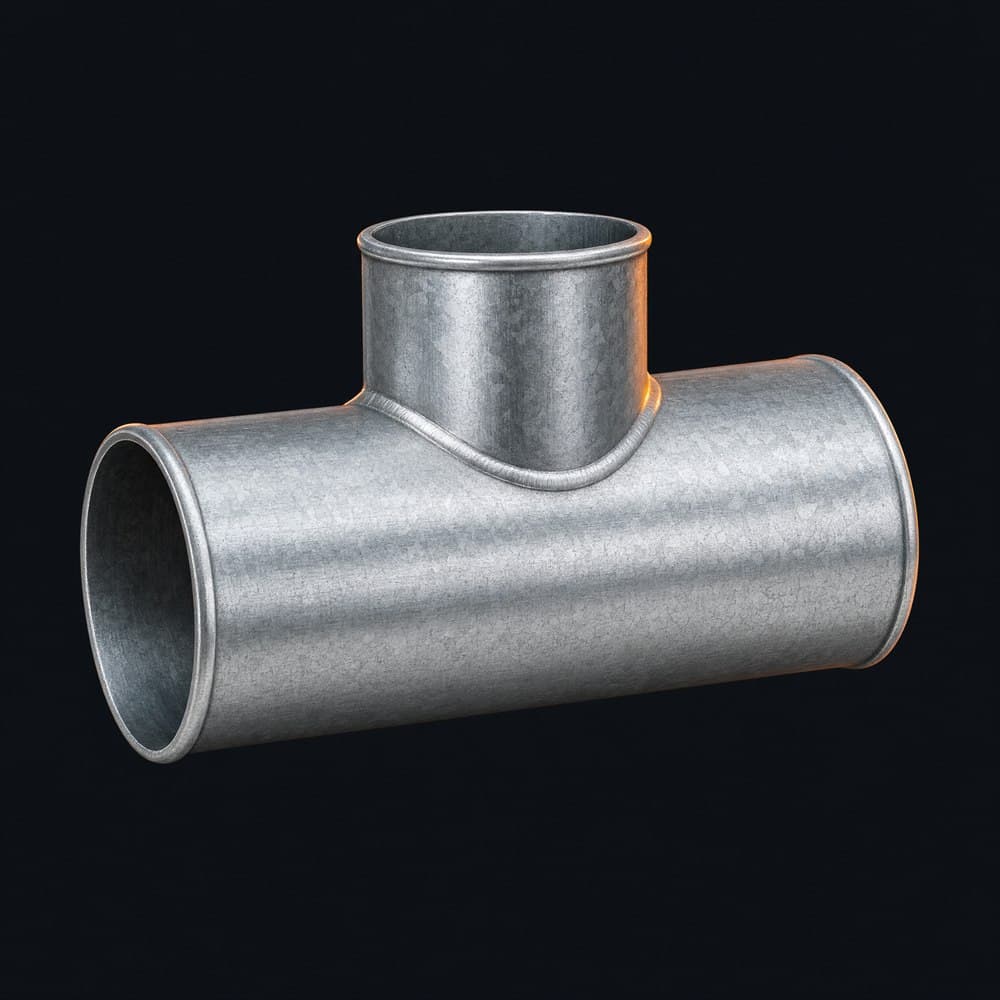 90° tee90° branch with a template for the pipe hole.Unlock with Pro
Diameter, bend radius or height, and the plate thickness.
The drawing and marking table appear instantly, for any size.
Download the 1:1 PDF on A4 sheets to mark the plate, or the DXF for the cutting machine.
The segmented bend is free. Pro unlocks every part and the templates to print and cut.
€0
€47.90/year
7 days free, no card needed. Nothing is charged during the trial.
Card, Apple Pay, Google Pay and SEPA Direct Debit. Payments processed by Stripe.
Not for the segmented bend: the calculation, marking table and template preview are free and need no account. The other parts are included in Pro.
Download the PDF, print at 100 % (not fit to page) and measure the 50 mm square on the first sheet. Then glue the sheets along the overlap strip following the layout map.
The number of pieces includes the two half segments at the ends. A 90° bend with 4 pieces has 2 full segments, 2 half segments and 3 cuts of 30°.
Yes, any time from My account. You keep access until the end of the period you have paid for.
The formulas are standard descriptive geometry used in plate work and are checked by automated tests. Still, verify dimensions and shop practice before cutting.